
Converting an Applicant Service File to a Renter for Future Recertifications
On the Service File
- Status = Renter
- Property is populated
- Close Date
- Lease Term(months) – if applicable to your configuration
On the Property
- Owner
- Co-Owner
- Current Service File
New Recertification Service File Setup (Testing)
Follow steps below to create Recertification Service File
- Go to the “Services” tab and click on “New”
- Select Recordtype as Homeownership and click “Next”
- Create Property, make sure to check the “Recertification” checkbox.
- Create Service File, Populate fields below
- Service File Name
- Program = ‘Recertification’
- Status = ‘Application in Process’
- Application Status =’Invited’
- Application Due future date
- Property not blank
- Community not blank


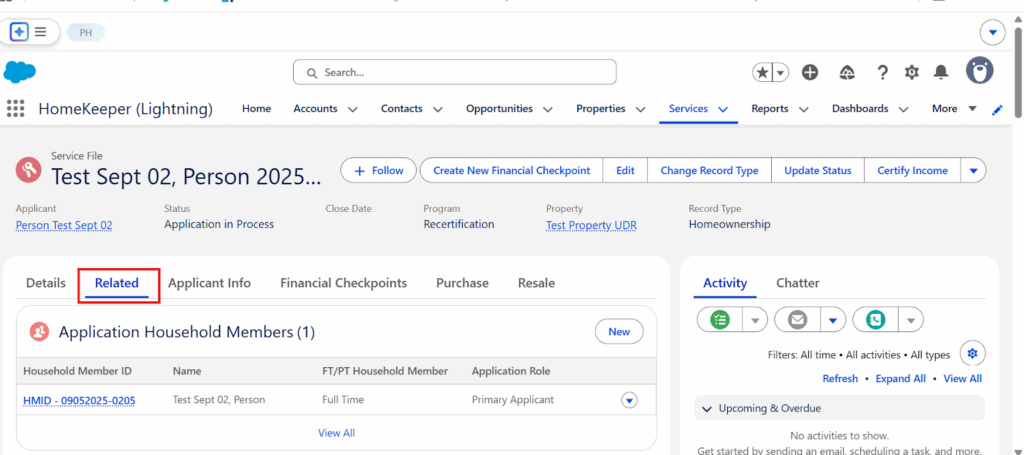
- After Service File creation, create the Monitoring Event for testing (Public House automation normally creates the Monitoring Event). Go to the Related Tab under Service File record

- Scroll down to the Monitoring Event related list and click on “New”

- Set Record type as shown below

- Make sure to populate all highlighted fields
